In today’s technology-driven world, apps have become the heartbeat of our daily lives. We use them to communicate, shop, work, and even manage our health and schedules. With the vast number of apps available, the crucial question is: what makes one app succeed while another fails?
The answer often lies not in the idea itself, but in the user interface (UI) design—the bridge between the user and the app that can make the experience either enjoyable and seamless or frustrating and confusing.
What is User Interface (UI) Design?
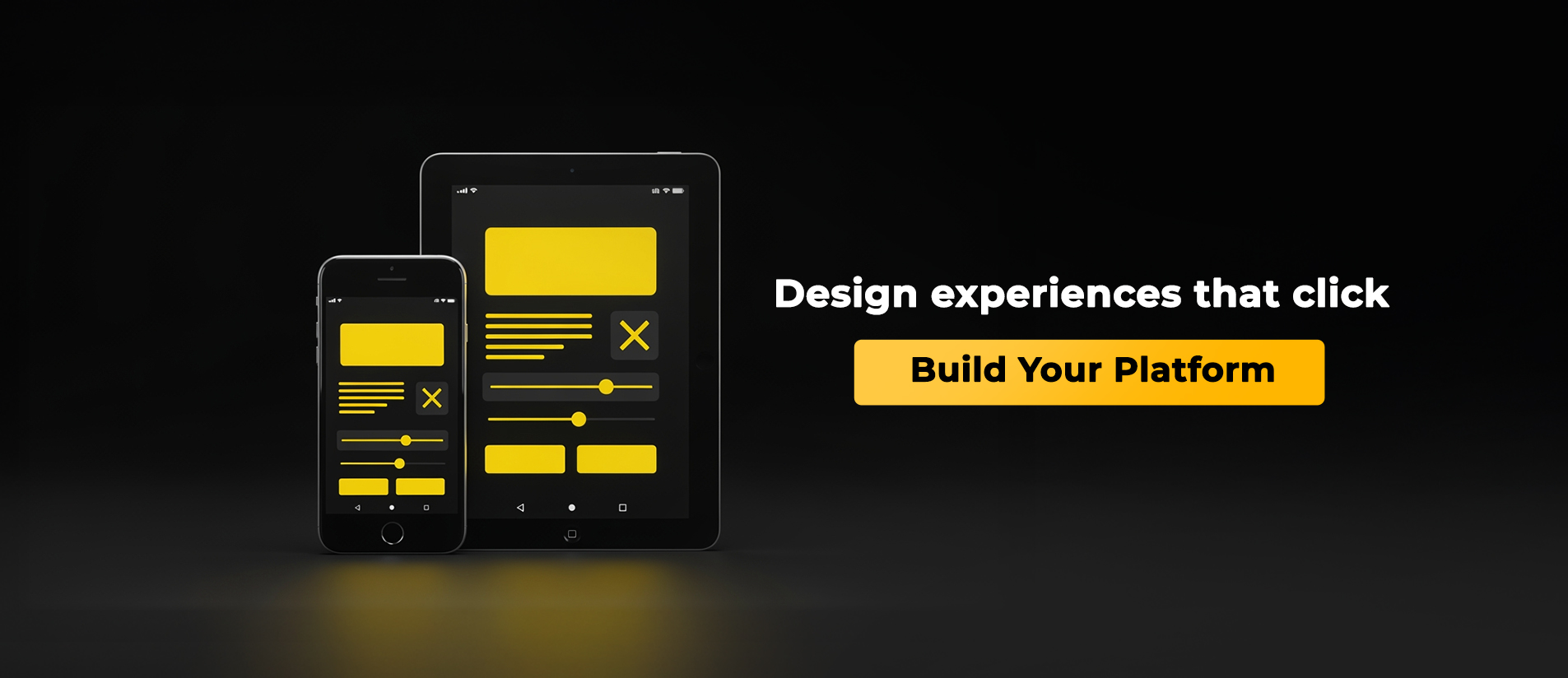
User Interface (UI) encompasses everything a user sees and interacts with inside an app: buttons, colors, fonts, images, menus, and even empty spaces. UI design is the process of planning and arranging these elements to make the app easy, comfortable, and effective to use.
In other words, UI design is not just about making an app look attractive—it’s about combining beauty with functionality. The goal is for the app to be intuitive, so users feel they understand how it works from the very first interaction.
The Relationship Between UI and UX
UI design is often confused with user experience (UX), though they are closely linked:
- UX (User Experience): Focuses on the user’s overall feeling while interacting with the app—are they satisfied? Can they find what they need easily?
- UI (User Interface): Focuses on the visual elements that enable this experience.
Think of it like a luxury car: UX is the comfort and smoothness of driving, while UI is the interior design, control panel, buttons, and color scheme. Even with a brilliant app idea, UI design determines its practical success.
First Impressions Matter
Did you know users decide within 5 seconds whether they will stay on your app or leave?
This means the first impression made by the UI often decides the app’s fate.
A clean, easy-to-navigate design that reflects the brand identity encourages users to stay. A cluttered or inconsistent interface frustrates users, causing them to abandon the app immediately.
UI design is therefore the first step in attracting users and building long-term relationships.
Ease of Use = User Satisfaction
One of UI design’s main goals is making apps easy to use, even for non-tech-savvy users.
Users shouldn’t have to read a manual to navigate the app; everything should be clear at first glance.
Example: A mobile banking app.
- If “Transfer Money” is hard to find or the button is too small, it frustrates users and may cause them to abandon the app.
- If the interface is simple, buttons are clear, and colors are comfortable, users feel confident and secure.
Ease of use isn’t a luxury—it’s a necessity, which is why companies invest in professional UI design.
Building Brand Identity Through UI
UI design doesn’t just make an app functional; it helps build a strong visual brand identity.
When users recognize specific colors or icon styles, they instantly identify the app—like Instagram’s purple gradient or Spotify’s dark green.
Consistency across apps, websites, ads, and social media strengthens trust and loyalty. UI design acts as a visual language that communicates brand personality.
UI Design Boosts Conversions
A well-designed UI can directly increase conversion rates and sales.
In e-commerce or commercial apps, small details—like the placement of the “Buy Now” button, product display, or checkout steps—can determine whether a user completes a purchase.
Clear, simple UI encourages users to complete transactions, while confusing layouts may lead them to abandon their cart. Investing in UI design not only improves experience but also drives tangible business results.
Inclusive Design: Accessibility for All
Modern UI design emphasizes inclusive design, making apps usable for everyone, including older adults or users with visual/motor impairments.
Using clear color contrast, scalable fonts, and easy-to-tap buttons ensures any user can navigate the app comfortably. This not only enhances reputation but also expands the user base.
How UI Design Impacts App Growth
Successful apps—like WhatsApp, Instagram, and TikTok—share one key feature: carefully designed UI.
A comfortable user experience encourages repeated use and referrals, driving natural growth. Apps ignoring good design risk losing users quickly, even if their services or content are excellent.
Steps to Successful UI Design
- Understand user needs: Know your target audience and their behavior.
- Keep it simple: The simpler and clearer, the better the experience.
- Consistency in colors and fonts: Creates a visually pleasant and harmonious interface.
- Continuous testing: Test with real users to identify weaknesses before launch.
- Attention to detail: Smooth animations, transitions, and interactive feedback add professionalism.
Conclusion
UI design is more than aesthetics—it is the foundation of app success.
It shapes how users interact with your idea, how they feel while using it, and whether they return.
UI design is the language your app speaks to users. The clearer and more intuitive this language, the stronger and longer-lasting the user-app relationship.
So, if you aim to build a successful app—whether in Jordan, Saudi Arabia, or elsewhere—start with UI design.
It’s not just a development phase; it’s the decisive factor between success and failure.